Check these 2 tips to improve gaming performance in Windows 10.
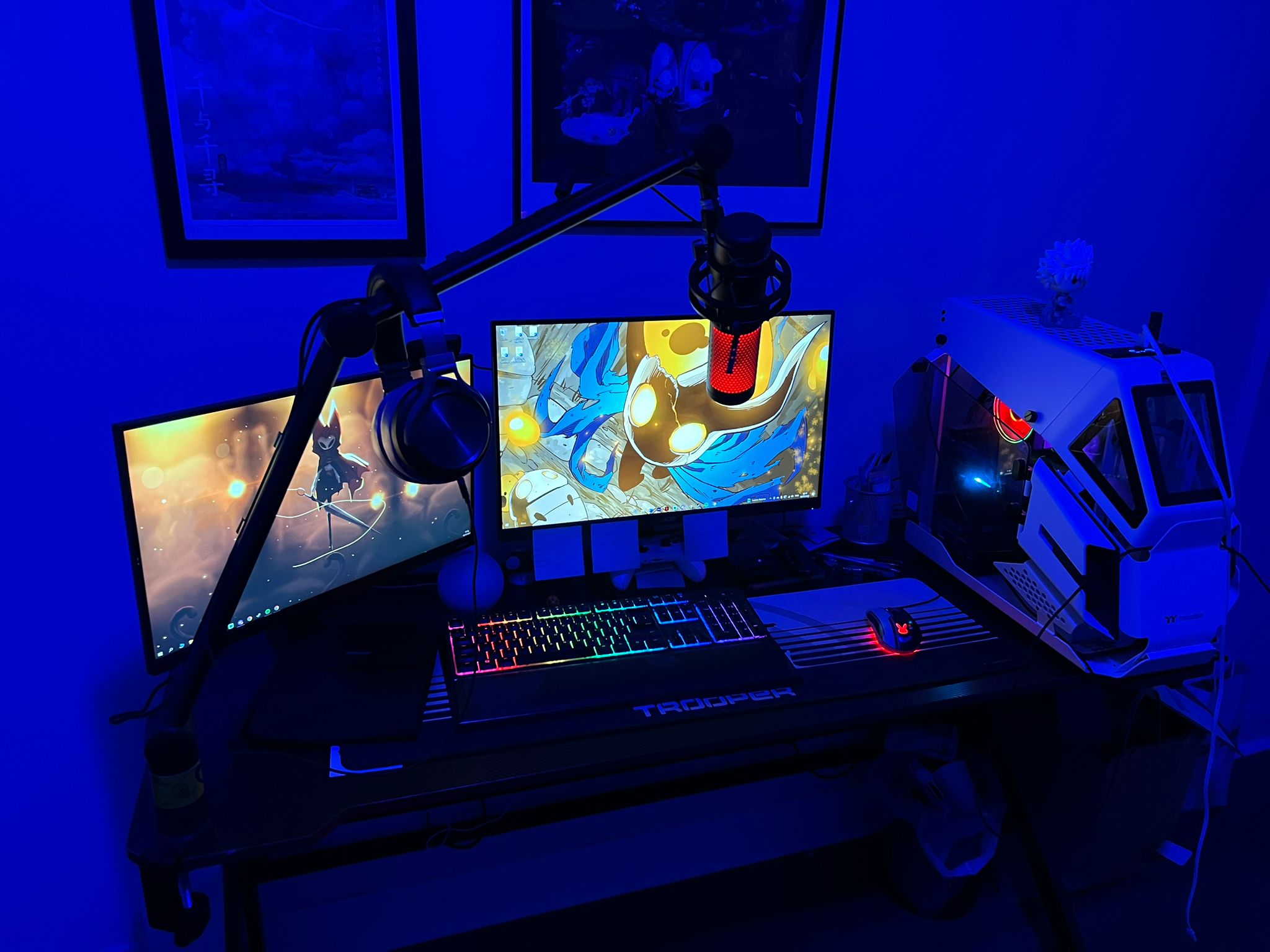
PC set up
Windows 10 is a widely used operating system for gamers, especially for its compatibility of titles, integration with Xbox One, and its native features. However, there is still room to add improvements. With some “tricks” and tweaks in the settings it is possible to improve the resolution and FPS of games, including some of the most current ones, such as Call of Duty, Fortnite and Apex Legends. With that in mind, we have listed eight tips to improve the performance of games on PC.
1-Activate Windows Game Mod
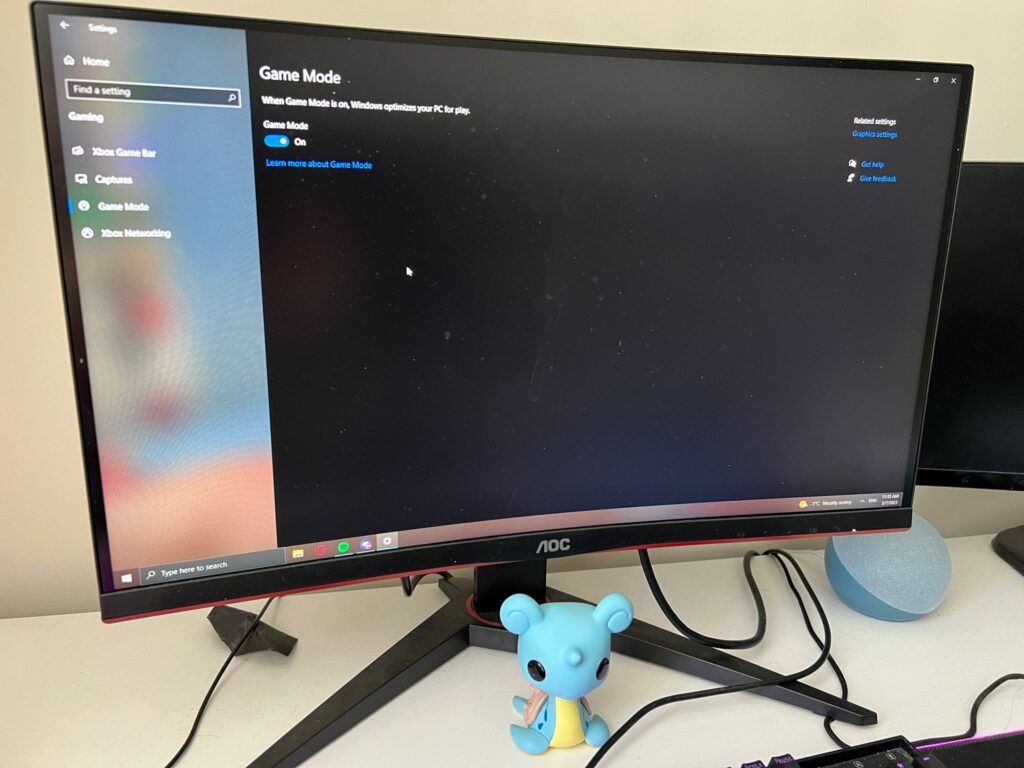
The Fall Creators Update for Windows 10 brought Game Mode, a feature that prioritizes the running of games on the computer. In addition to improving performance, it also has useful features for gamers, such as screen capturing and recording, live broadcasts and a shortcut bar. Here’s how to enable Game Mode in Windows 10:
Step1: Press “Windows + I” on your keyboard
Step2: Click on “games”
Step3: On “Game mode” mark the box where it says “activated”/”on”
2-Update your video card drivers
Updating your graphics card drivers is one of the first steps in ensuring your PC’s gaming performance. Keeping your drivers up to date is essential for your GPU to keep running fast and efficiently. It is possible to update through Windows, but it is recommended that you go to the manufacturer’s website (AMD or Nvidia) to download the most up-to-date files.
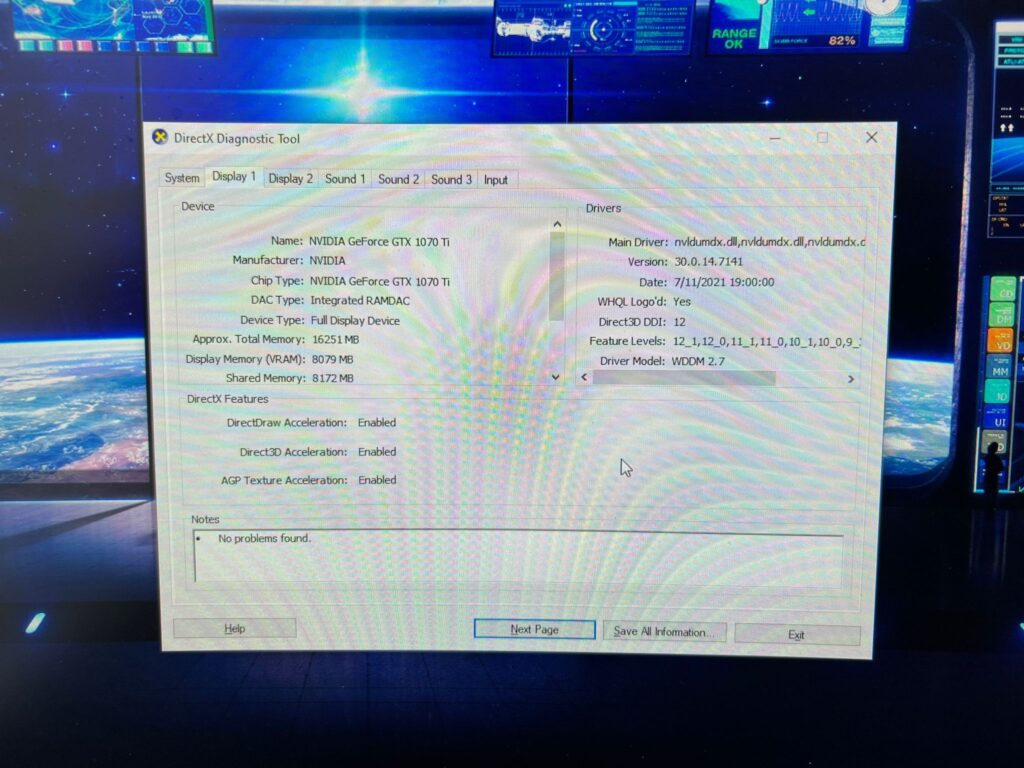
To check the name and model of your card, use the keyboard shortcut “Windows + R”, type “dxdiag” (without quotes) and press Enter. In the “View” tab you will find the information you need about your video card.
Check your video card's name and model and update your drivers
With these two tips your pc performance will get better. If you want more tips check my YouTube video. There I’ll show you a few more. Also, I’ve just posted a new TikTok where I show you how I clean my PC.